

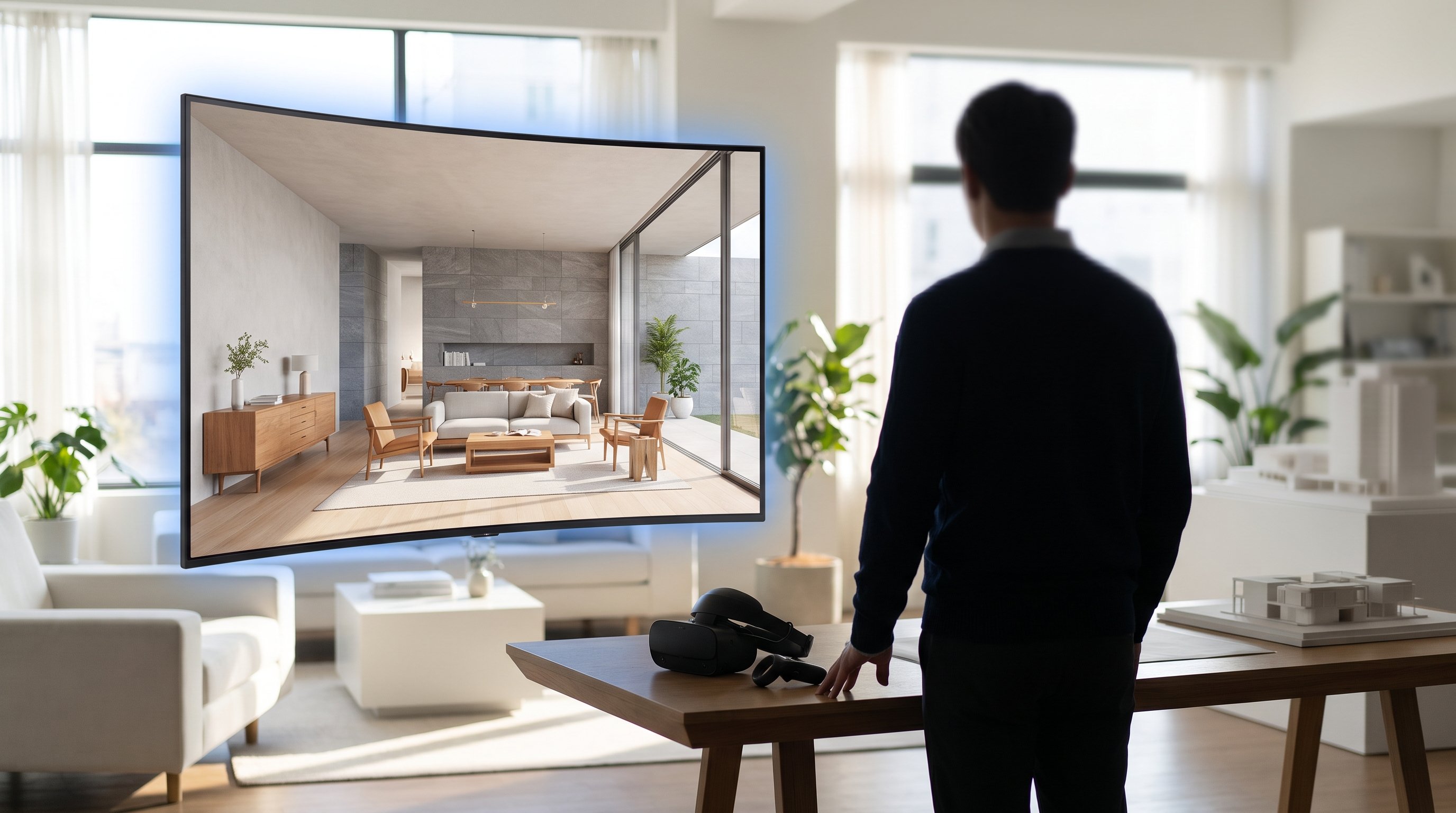
D5 Render just shipped an update that has nothing to do with render quality and everything to do with how long it takes a client to say yes.
D5 3.1 rolled out through July 2026, and buried in the changelog alongside the usual performance fixes are two features that matter more to Visual Harmony's clients than any bump in ray-tracing speed: Interactive Presentation, and Stereoscopic Panorama. Both change what happens in the room during a design review, not just what happens on the GPU.
What's Actually New in 3.1
Interactive Presentation lets a designer pre-build several scene states inside one D5 file - different materials, lighting setups, furniture layouts, or a day-to-night switch - and flip between them live during a meeting by clicking a trigger point in the scene. No re-render, no re-export, no "let me send you the other version tomorrow." It can be shared over VR headset or streamed to a browser link so the client doesn't even need D5 installed.
Stereoscopic Panorama is the second piece. Standard 360 panoramas are flat - both eyes see the same image, so there's no real sense of depth or scale. D5 3.1 renders a separate view per eye, which is what actually makes a VR walkthrough feel like standing in the room rather than watching a photo wrapped around you. Alongside it, D5 rebuilt the XR Tour pipeline: local render time for a VR tour is down to roughly a quarter of what it was, and the training file format is about a tenth of the previous size - meaning tours are faster to produce and cheaper to host and share.
Why This Matters More Than a Render-Speed Bump
The real bottleneck in property and product visualization was never the final render - it was the number of meetings it took to agree on a direction. Every "can we see it with the darker cladding" or "what if the lighting was warmer" used to mean a new export and a wait. Interactive Presentation collapses that into a click, in front of the client, in the same meeting. That's a genuine change to timeline on any project with more than one stakeholder signing off.
What This Doesn't Solve
None of this replaces the final marketing-grade render a sales suite or ad campaign needs - live viewport interactivity still tops out below full offline path-traced quality, and that discipline hasn't changed. VR quality presets are also more limited on non-Nvidia hardware: AMD and Intel cards run D5's VR mode fine but don't get the Default/HD quality toggle Nvidia users get. And Interactive Presentation only helps if the states were planned before the meeting - it's not a substitute for briefing your visualization partner properly on what a client is likely to ask for.
The Practical Takeaway
If you're a developer or product designer working with a visualization partner, ask whether their D5 pipeline is on 3.1. If they're still on 3.0, you're not getting live client review or true stereoscopic VR - you're paying for a slower version of the review process than what's now available. It costs nothing to ask.
Quick Answers
What is D5 Render's Interactive Presentation feature? It lets a designer pre-set multiple scene states, such as different materials or lighting, and switch between them live during a client meeting by clicking a trigger point, instead of re-exporting a new render for each option.
Does D5 Render 3.1 improve VR property tours? Yes. It adds Stereoscopic Panorama for true depth VR (rather than a flat 360 image), and rebuilds the XR Tour pipeline so local render time is roughly a quarter of what it was, with training files about a tenth of the previous size.
Do I need special hardware to see the benefit? Full VR quality presets (Default/HD) currently require an Nvidia graphics card - AMD and Intel cards support D5's VR mode but without that quality toggle.
Is this relevant to product visualization, not just architecture? Yes. The same Interactive Presentation mechanic works for swapping product materials, finishes or configurations live in a client review, which applies directly to product CGI, not only building walkthroughs.
