

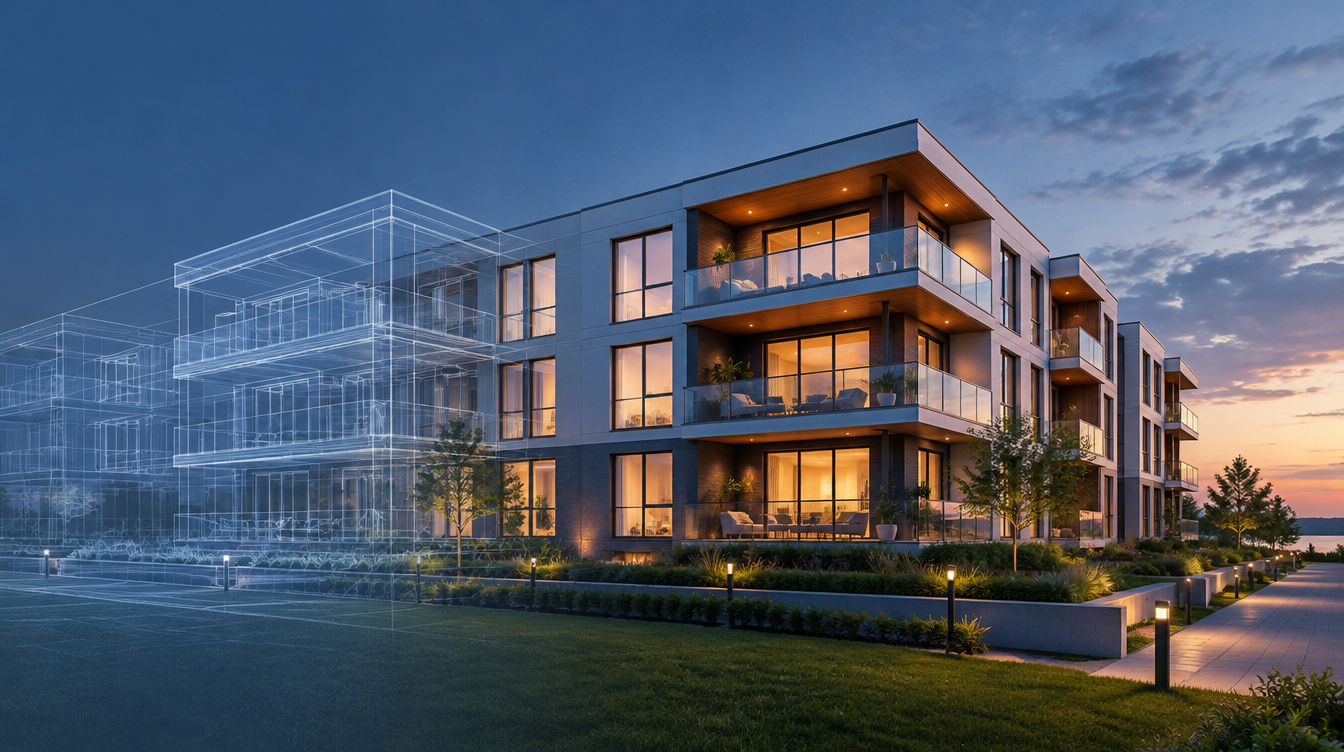
Rightmove updated its new-homes product guidelines this month, and developers keep asking the same thing: is there a rule on CGI? There isn't. The October 2026 document does not mention CGI, computer-generated images or floorplans, and it sets no labelling requirement. That is not a green light. The rules that do exist put the burden on you.
What the guidelines actually say
Section 1.6 says your ads must follow all applicable laws and codes, including the UK CAP Code run by the ASA. Section 1.5 lets Rightmove refuse designs, restrict images and remove any image you cannot show you have the right to use. Section 2.1 allows removal of listings that show anything other than a property for sale, including altered images with added text.
Who carries the risk for your renders
For Virtual Tour Leads (19.4.2) and Brochure Requests (20.4.2), the guidelines say you are responsible for displaying the relevant content, and Rightmove can remove anything that breaks the rules. Third-party material in a Development Feature or Video must also comply (10.5), and any contract with a content supplier must include Rightmove's terms and the guidelines. If an outside studio makes your video or tour, you still own the compliance problem.
Where CGI can still trip the CAP Code
The ASA's guidance on property ads says omitting material information that is likely to affect a buyer's decision can be misleading under the CAP Code, and that quoted prices must not mislead through omission, undue emphasis or distortion. Apply that to a render. If it shows upgraded kitchens, a view that depends on a neighbouring plot, landscaping not yet committed or a finish that costs extra, the image is making a promise your price may not cover. Clear captions beside the image, such as "CGI is indicative and includes optional upgrades", are cheap insurance.
A practical checklist before you upload
First, check every render against the specification and price you are actually advertising, and caption anything that goes beyond it. Second, make sure you hold the rights to every image and logo, including studio-made assets. Third, do not add overlay text or badges to listing images, since altered images with added text are a removal risk. Fourth, put the Rightmove terms into your supplier contracts if a third party produces your video or tour. Fifth, keep an approvals trail showing who signed off each image and when. Your visualiser should be able to supply all five without fuss.
Quick answers
Does Rightmove require CGI to be labelled?
No. Rightmove's October 2026 new-homes product guidelines contain no rule on labelling CGI. Advertisers must still comply with the CAP Code, so renders should not mislead about what is being sold.
Who is responsible if my visualisation studio makes the video or tour?
You are. The guidelines say you are responsible for displaying the relevant virtual tour and brochure content, and that third-party material must follow the rules, with supplier contracts carrying Rightmove's terms.
Can Rightmove remove a new-homes listing for image problems?
Yes. Under the guidelines Rightmove can remove listings that show altered images with added text, and can remove any image you cannot show you have the right to display.
